> For the complete documentation index, see [llms.txt](https://docs.omnileads.net/llms.txt). Markdown versions of documentation pages are available by appending `.md` to page URLs; this page is available as [Markdown](https://docs.omnileads.net/configuracion-whatsapp-business/integracion-con-gupshup/omnileads-y-gupshup.md).
# OMniLeads y GupShup
***OMniLeads*** se une a GupShup de manera sencilla y transparente, a través de su ***Orquestador de Canales***** Open Source.** El usuario de OMniLeads cuenta con herramientas avanzadas y APIs disponibles en su solución base que le ayudarán a habilitar WhatsApp para su negocio.
Uno de los aspectos interesantes de GupShup, además de sus mecanismos de integración transparentes y amigables, es que permite importar una cuenta de Whatsapp Business existente y en uso además de permitir crear nuevas. Gracias a ello, cualquier usuario que ya cuente con un número de Whatsapp Business, puede utilizarlo en su cuenta y "llevárselo de regreso" en cualquier momento sin quedar atado al proveedor.
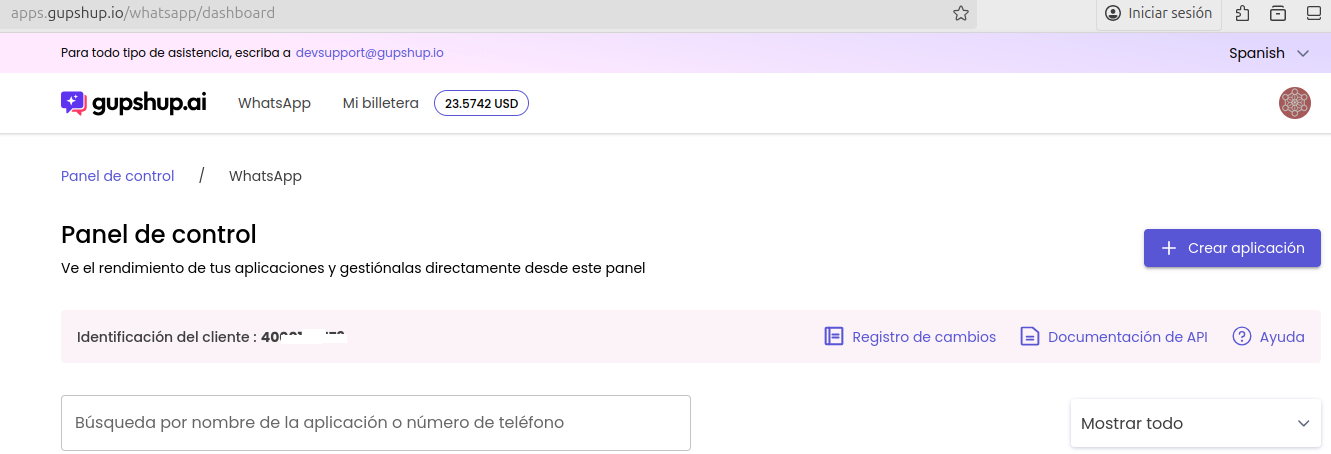
Por lo tanto, para continuar con la integración, es importante abrir una cuenta en [GupShup desde aquí](https://api.gupshup.io/sm/api/user/authorize?prompt=login\&lang=es) y cargar saldo en su Wallet Digital.
---
# Agent Instructions
This documentation is published with GitBook. GitBook is the documentation platform designed so that both humans and AI agents can read, navigate, and reason over technical content effectively. Learn more at gitbook.com.
## Querying This Documentation
If you need additional information that is not directly available in this page, you can query the documentation dynamically by asking a question.
Perform an HTTP GET request on the current page URL with the `ask` query parameter, and the optional `goal` query parameter:
```
GET https://docs.omnileads.net/configuracion-whatsapp-business/integracion-con-gupshup/omnileads-y-gupshup.md?ask=&goal=
```
`ask` is the immediate question: it should be specific, self-contained, and written in natural language.
`goal` is optional and describes the broader end goal you are ultimately trying to accomplish on behalf of the user. GitBook uses it to tailor the answer towards what is most useful for that goal.
The response will contain a direct answer to the question and relevant excerpts and sources from the documentation.
Use this mechanism when the answer is not explicitly present in the current page, you need clarification or additional context, or you want to retrieve related documentation sections.