> For the complete documentation index, see [llms.txt](https://docs.omnileads.net/llms.txt). Markdown versions of documentation pages are available by appending `.md` to page URLs; this page is available as [Markdown](https://docs.omnileads.net/video-llamadas-pro.md).
# Video Llamadas (Pro)
### OMniLeads Enterprise - Webphone Client
\
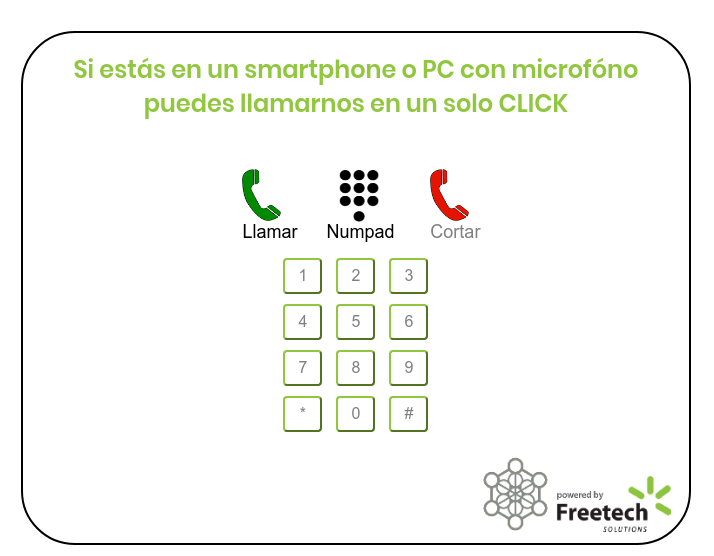
El módulo comercial de Video Llamadas disponible en [OMniLeads Enterprise](/instalacion-de-omnileads/omnileads-enterprise.md), permite embeber en su página web un widget ligero, para permitir que sus clientes llamen a su negocio **solo con un click**, sin otra herramienta más que el **web browser**.
####
#### Requisitos
1. Una instancia de OMniLeads Enterprise
> * **release-1.3.2** minimamente instalado para el **release-1.0.0** del webphone client.
> * **release-1.5.0** minimamente instalado para el **release-2.0.0** del webphone client.
> * **release-1.7.0** minimamente instalado para el **release-3.0.0** del webphone client.
> * **release-1.12.0** minimamente instalado para el **release-3.5.0** del webphone client.
Importante
Esta instancia **debe ser** accesible desde Internet y debe trabajar con **certificados confiables**. Puede observar la documentación de OMnileads que habla sobre como instalar un servidor en la nube: OMniLeads Cloud.
1. La pagina web donde va a embeber el webphone tiene que estar usando HTTPS (Requisito de WebRTC).
Nota
A partir de la versión 3.5.0 existe la posibilidad de hacer Videollamada.